
How to Use a Digital Pocket Scale: Tare, Calibration and Accuracy
· 5 min read
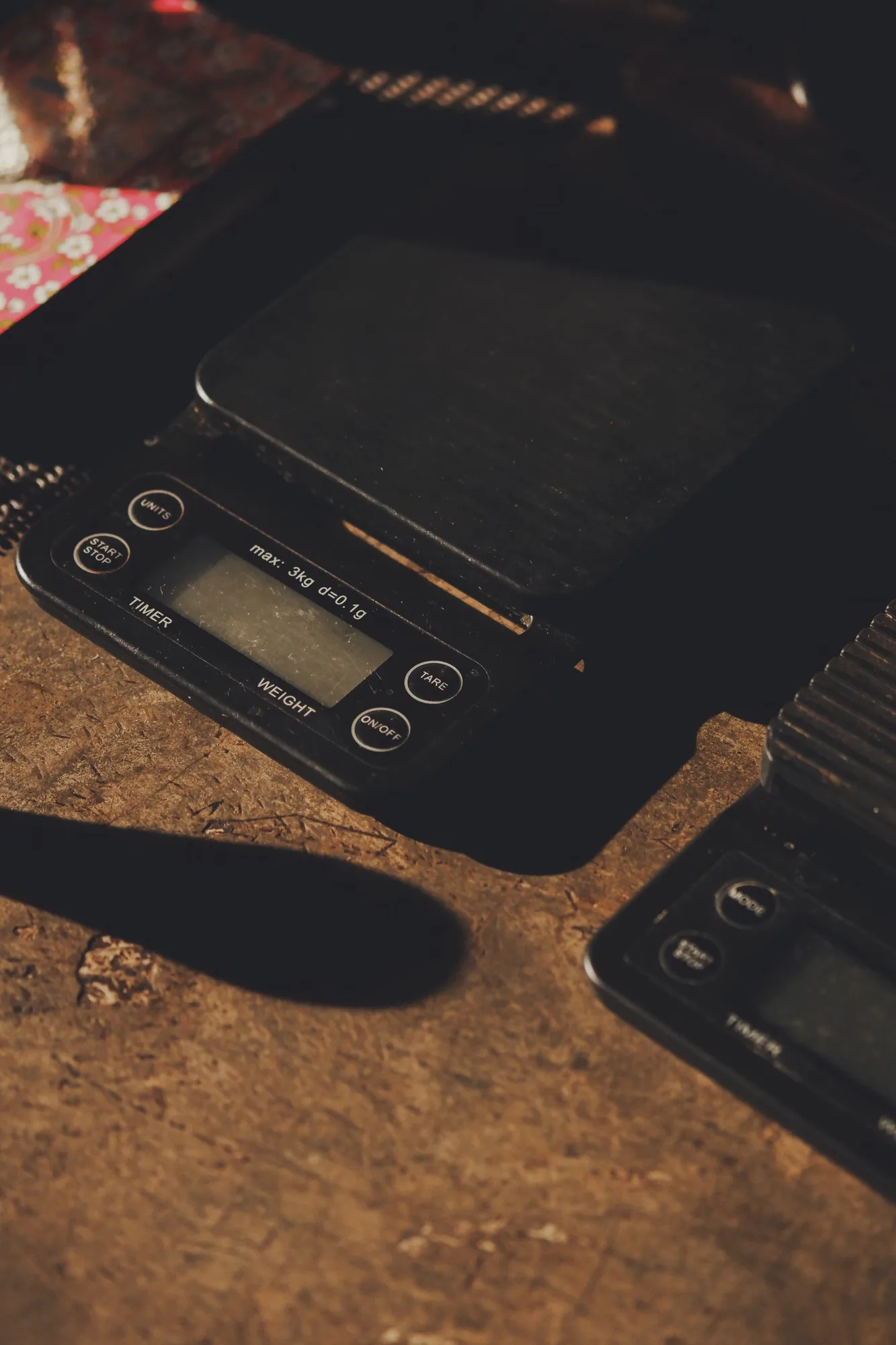
A digital pocket scale is one of the most useful cheap tools you can own. You can check that a bag weighs what the label says, portion a bowl or a joint consistently, and keep track of how much you use. But a pocket scale is only as good as how you use it. This guide covers how to use one step by step, what "0.01 g" actually means, how to calibrate and sanity-check it, and why the reading sometimes drifts.
What to look for in a digital scale
| Feature | Why it matters |
|---|---|
| Readability (0.01 g or 0.1 g) | The smallest step the display shows. 0.01 g is better for small amounts, such as a single joint or a gram |
| Capacity | The maximum it can weigh. 100–200 g covers personal use; don't load past the limit |
| Tare function | Zeroes out a container so you weigh only what's inside |
| Calibration mode | Lets you correct drift with a known weight |
| Protective lid | Shields the sensor in a bag or drawer |
| Units | g, oz, ct and gn at minimum; g is most precise for small amounts |
Our digital pocket scale displays to 0.01 g with a 200 g capacity, tare, a backlit display and a flip lid, and comes with batteries.
How to use a digital pocket scale: step by step
- Put it on a hard, flat, level surface. A table, not a couch or your hand. Soft or tilted surfaces give wrong readings.
- Keep it away from drafts and phones. Air from a fan, an open window or even your breath can move a 0.01 g reading. Some people find a phone right next to the scale makes the reading jump.
- Turn it on with nothing on the platform, and wait for it to settle at 0.00.
- Place your container (a small dish, a paper or a jar lid) in the center of the platform.
- Press TARE. The display goes back to 0.00, so the container's weight is ignored.
- Add what you're weighing slowly, in the center. Let the number settle for a second or two before reading it.
- Remove everything and turn it off when you're done. Close the lid.
What does "0.01 g accuracy" really mean?
On most pocket scales, "0.01 g" is the readability: the smallest increment shown on the display. Real-world accuracy is usually a little looser than that, and it gets worse if the scale isn't level, isn't calibrated or is near its capacity. In practice, treat the last digit as approximate and compare readings rather than chasing exact hundredths.
How to calibrate a pocket scale
Calibration resets the scale against a known reference weight. The exact steps vary by model, so follow your manual. A typical process:
- Put the scale on a level surface and turn it on, with nothing on it.
- Hold the MODE or CAL button until the display flashes "CAL" and then shows a number (often 50.00, 100.00 or 200.00 g).
- Place a calibration weight of exactly that amount on the platform.
- Wait for the display to show "PASS" or "End", then remove the weight.
- Restart the scale and check it with the same weight.
If your scale didn't come with a calibration weight, they're inexpensive and sold by weight (for example 100 g). Use one that matches the number your scale asks for.
A quick sanity check with coins
If you don't have a calibration weight, coins give you a rough check (not a calibration). Newer, unworn coins are closest to their official weight:
- US nickel: 5.000 g
- US penny (1983 and later): 2.500 g
- 1 euro coin: 7.50 g
Weigh several coins together, for example ten nickels should read close to 50 g. If the reading is far off, recalibrate or replace the batteries.
Why your scale reading drifts or jumps
- Low batteries. The most common cause. Replace them first.
- Not level or on a soft surface.
- Air movement or vibration.
- Temperature changes. A scale brought in from a cold car can read off until it warms up.
- Overloading. Putting more than the capacity on the platform can damage the sensor.
- Static. Plastic containers can create static that nudges the reading. A paper or metal dish helps.
Common conversions
Quick reference for the units you'll see:
- 1 ounce (oz) = 28.35 g, often rounded to 28 g in shops
- 1/8 oz ≈ 3.5 g · 1/4 oz ≈ 7 g · 1/2 oz ≈ 14 g
- 1 pound = 16 oz = 453.6 g
For the full chart with QPs and pounds, see weed measurements: grams, ounces and pounds.
Practical uses
- Checking an order. Weigh with packaging removed, using tare for the jar.
- Consistent joints and cones. Weigh out the same amount each time. Our guides to rolling a joint and filling a pre-rolled cone list typical fills by size.
- Portioning bowls. Useful when you're learning how to pack a bowl.
- Tracking how much you use, if you want to cut back or budget.
Looking after your scale
Keep the lid closed when it's not in use, don't press on the platform, store it somewhere dry, and take the batteries out if you won't use it for months. Wipe the platform with a dry or barely damp cloth. Never pour liquid on it.
Where to shop
Scales, trays and storage are in accessories. US adults 21+ buying hemp flower by weight can compare sizes in flower and read our online weed plug guide for what we carry and where it can legally ship.
FAQ
How do you use a digital pocket scale?
Put it on a hard, level surface, turn it on with nothing on it, place your container, press tare to zero it, then add what you're weighing and let the reading settle.
How accurate are digital pocket scales?
A 0.01 g figure usually describes the display resolution. Real accuracy is typically a little looser and depends on being level, calibrated, away from drafts and well within capacity.
How do you calibrate a pocket scale without weights?
You can't truly calibrate without a known weight, but you can sanity-check it with new coins, such as US nickels at 5 grams each. If it's far off, buy a matching calibration weight.
Why does my digital scale keep changing numbers?
Common causes are low batteries, an uneven or soft surface, air movement, vibration, temperature changes and static from plastic containers.
What does tare mean on a scale?
Tare resets the display to zero with a container on the platform, so the reading shows only the weight of what you add to it.
Adults 21+. Educational content, not legal or medical advice. Accessories are sold for legal use with tobacco or legal herbs. Local laws on accessories differ by country and state; check yours before ordering.
— The Shop Kushina Team
Ready to order?
Browse the full menu or THCA flower. Questions? Call or text (507) 323-2528.
More guides
Follow Shop Kushina on Google